

How It Works
Build it free, test it for real,
go live when you're ready.
Building and testing are free. Share a view-only preview link (no login needed),
then go live when you're ready — and pay only for the days it's live and the spots you add.
1 min
Create account
Up to 5
Shareable preview links
100%
Fully online
Steps
Build, test, publish
Get started with a free account. Building and testing are always free — you only pay when you publish. For detailed instructions, see the documentation in the dashboard.
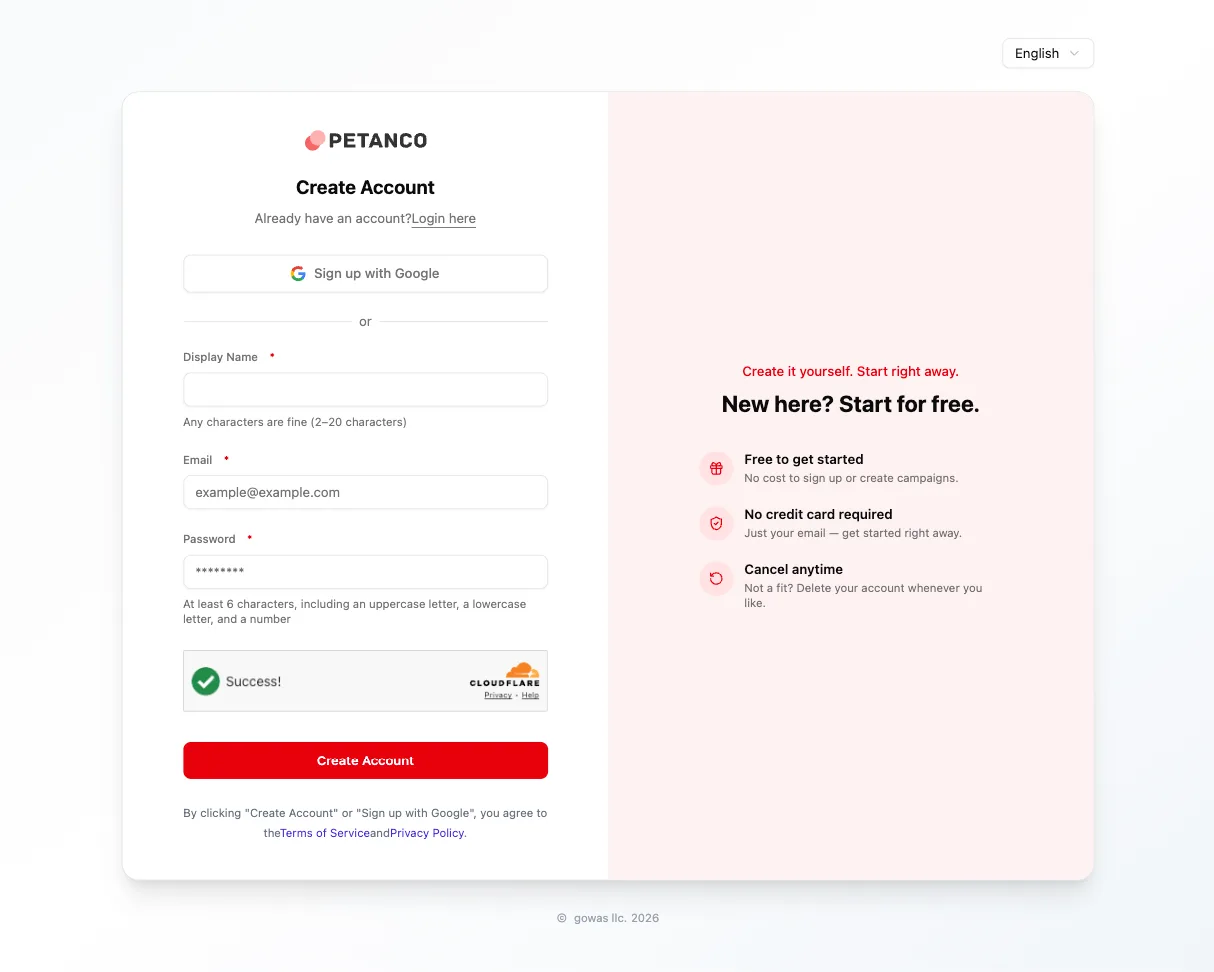
Create an account (free)
Start by creating a free account. No credit card required. It's best done on a computer or tablet.
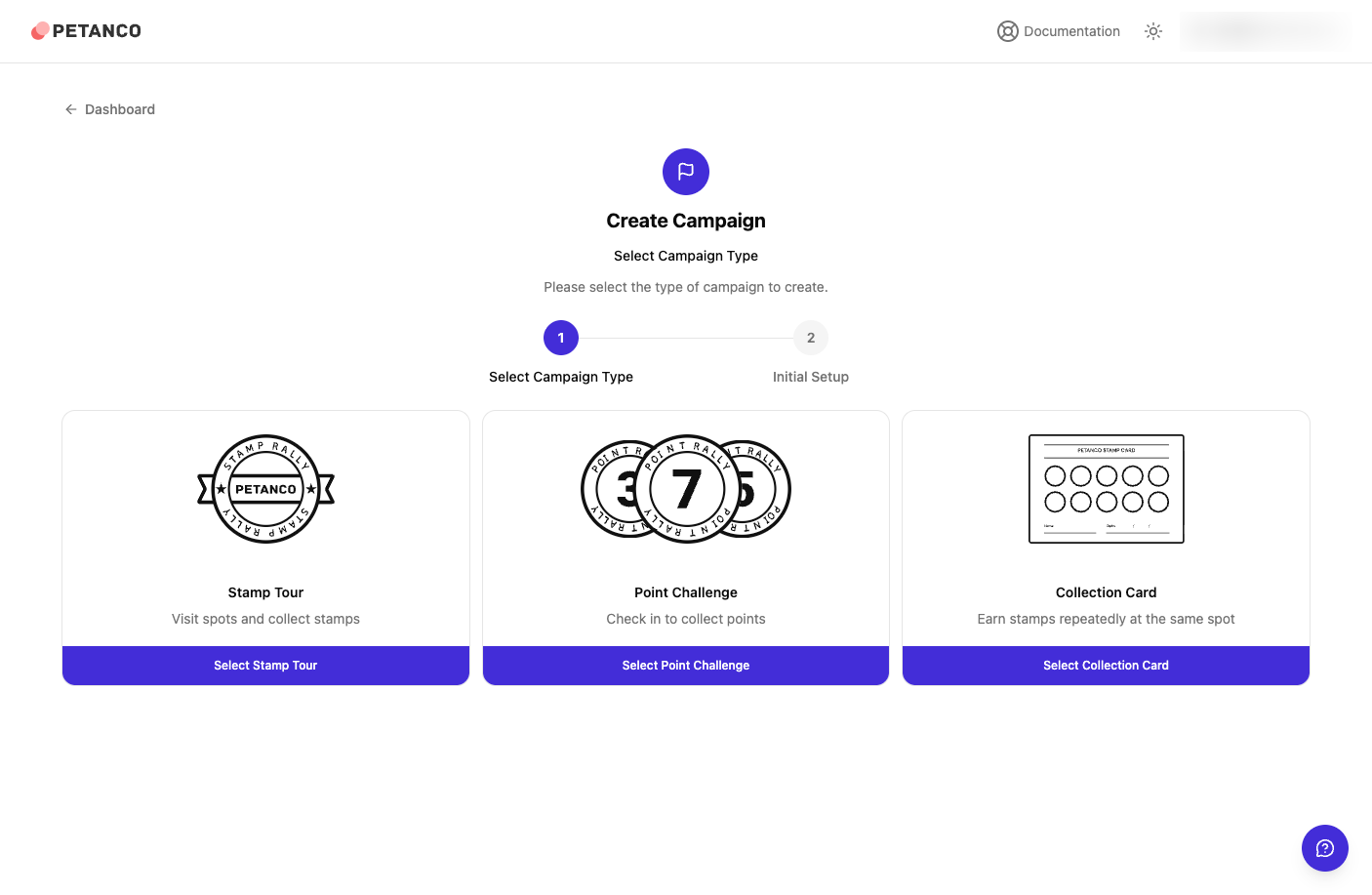
Build in draft
Create a new campaign and complete the initial settings. Drafts are free and unlimited — iterate as much as you need before publishing.
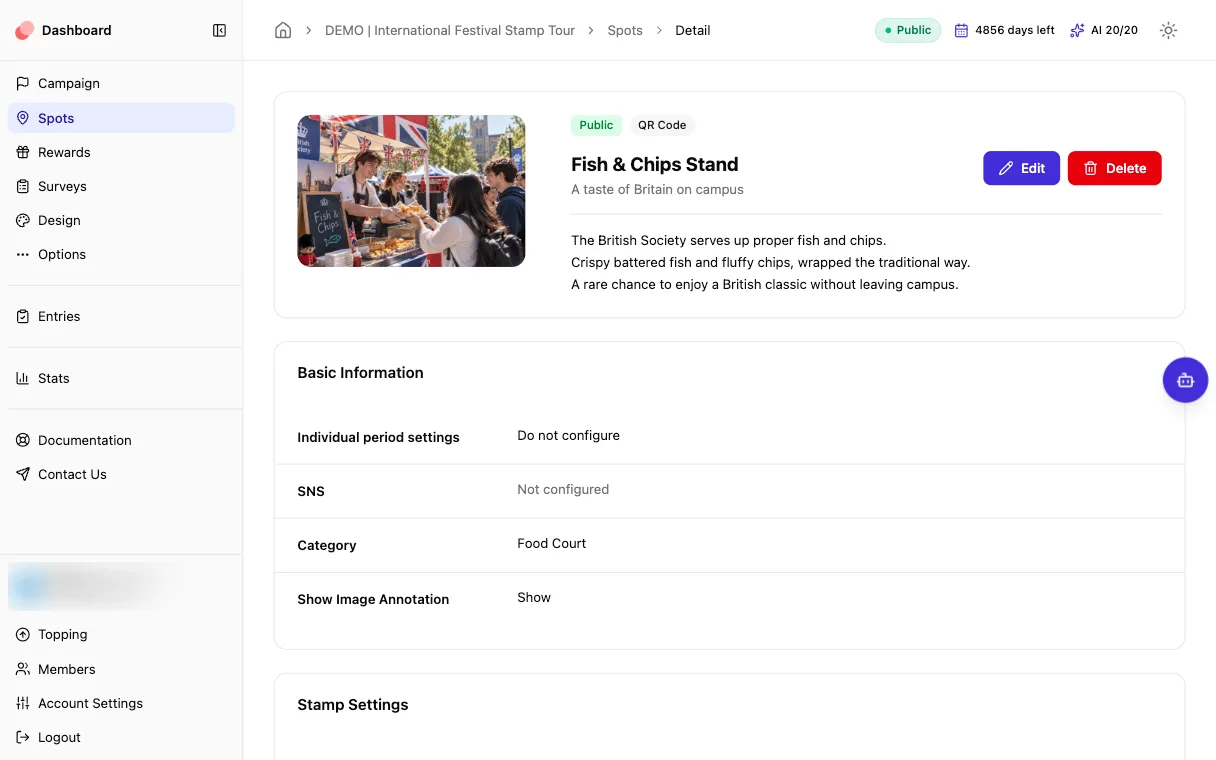
Add spots & rewards
Set up your spots (name, photo, description), check-in methods (QR, GPS, keyword, quiz, etc.), rewards, and optional surveys.
Test it exactly as participants will see it
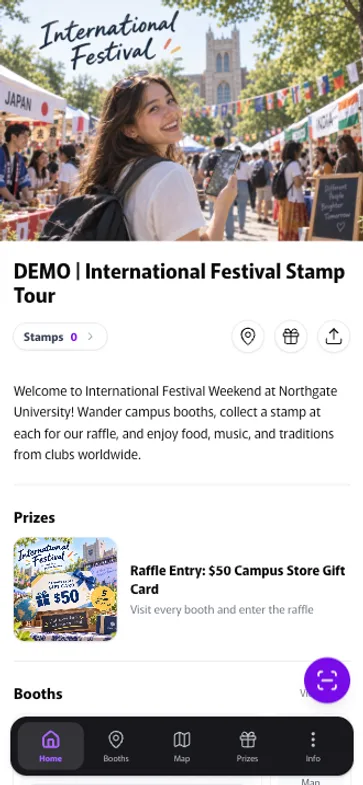
Share a view-only preview link — no login needed. Anyone with the link sees exactly what participants will see, so you can review your campaign together before publishing.
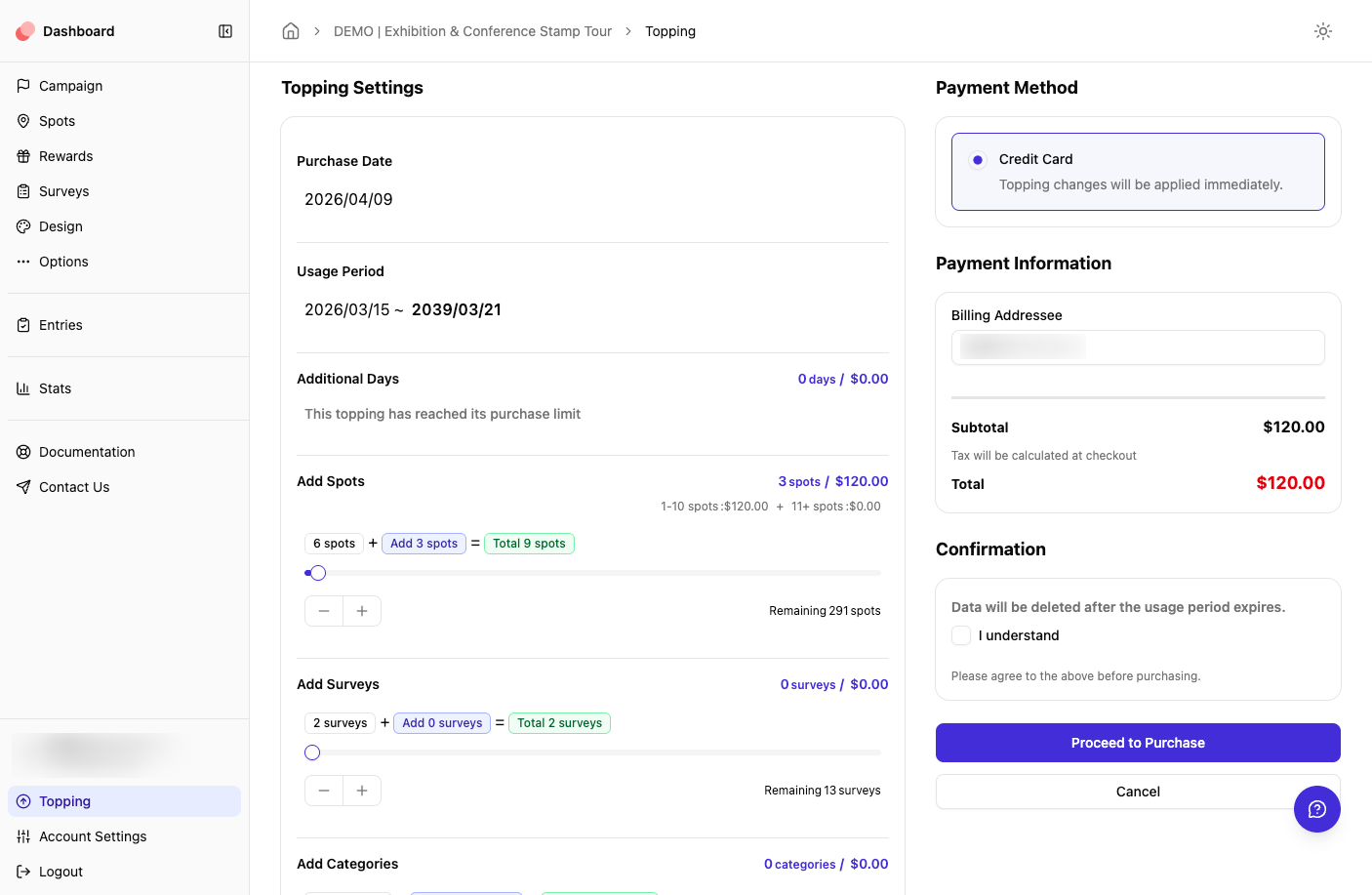
Publish (this is when you pay)
Pay for the days it's live and the spots you add — from $60 (1 day + 1 spot). You can unpublish and republish anytime during the publish period. Payment is by credit card.
Run & monitor in real time
Track check-ins and reward redemptions on the live dashboard. Extend days or add spots from your dashboard anytime during the publish period.
Back to draft (kept 30 days, extendable)
When the publish period ends, your campaign automatically returns to draft and is kept for 30 days. We'll email you reminders 7 days, 3 days, and 1 day before the publish period ends, and you can keep the draft for another 30 days with one click (free, as many times as you like). Reuse it as a template for next time.
FAQ
Frequently asked
questions
Start building free
Building and testing are free. Pay only when you go live — from $60.
Best built on a computer or tablet